
When Your Phone Warns You Before the Earth Strikes
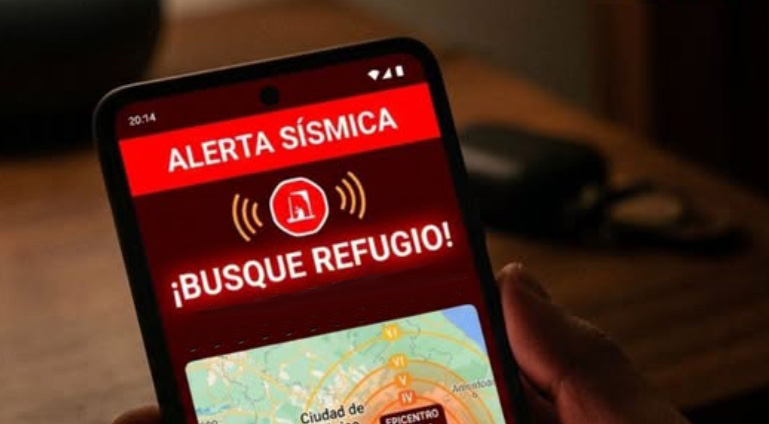
Can a mobile phone become an early warning system when every second counts? This feature, unknown to many users, doesn't announce an earthquake hours in advance, but it does take advantage of the difference in speed between seismic waves and digital communications.
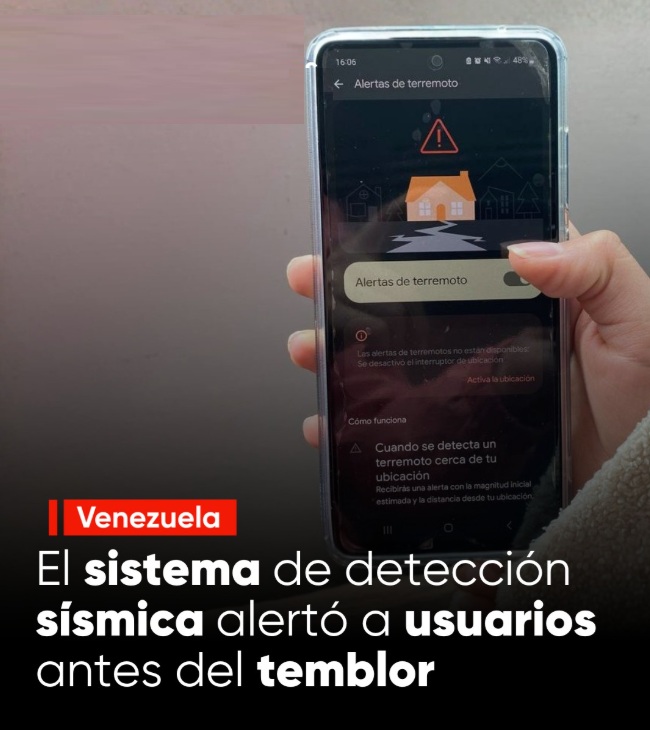
Seconds before the most intense shaking and as the ground began to tremble in Venezuela due to powerful earthquakes, some Android phones emitted an unusual sound. It wasn't an application installed by their owners or an alert sent by national authorities, but rather the Android Earthquake Alert System, developed by Google.
A Network of Millions of Phones Turned into Sensors
This system, the Android Earthquake Alerts System, uses the accelerometers built into Android phones to detect movements consistent with an earthquake.
When numerous devices simultaneously register a similar vibration, the information is automatically processed, and if the system confirms a seismic event, it sends alerts to users who might experience the movement seconds later.
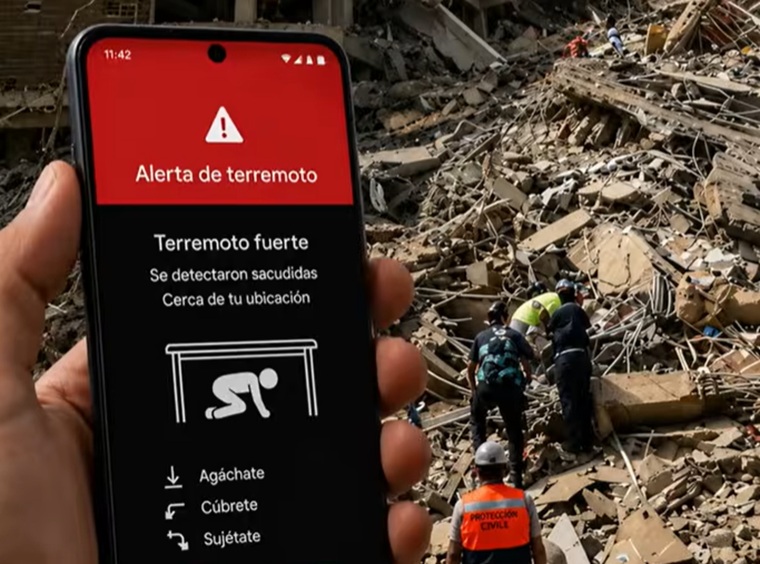
This system does not replace national seismological networks where they exist; it only complements them, and in many countries, it constitutes the main early warning mechanism available.
The accelerometer in Android phones is the sensor that detects movement and orientation. When many phones in an area register vibrations consistent with an earthquake, this data is sent to Google's servers.
The explanation lies in seismic waves. Earthquakes first generate P-waves, which travel faster and usually cause less damage. Then come the S-waves and other, more destructive waves, which are what produce the strong shaking.
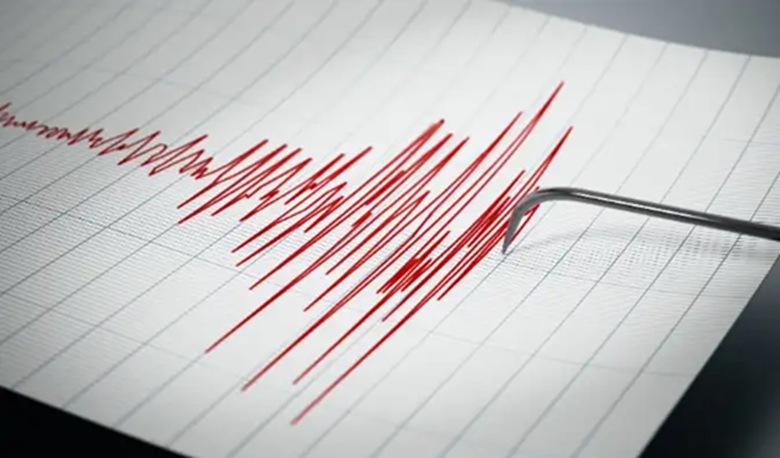
Therefore, if the system detects the first waves and processes the signal in time, it can send an alert before the most dangerous shaking arrives. It automatically calculates the approximate location, intensity, and areas that could be affected. Then it sends alerts to users located in at-risk areas.
But not all earthquakes can be detected, and these initial estimates can contain errors.
During the strong earthquake that occurred in Venezuela, numerous users posted on social media about receiving the alert seconds before the shaking began.
And does this technology work in Cuba?
Cuba is also currently included in the official list of countries compatible with Android Earthquake Alerts, according to information published by Google in the support documentation updated in 2026.
This means that, in principle, a Cuban user with an Android phone can receive these notifications. However, a significant gap exists between technical availability and practical utility, largely determined by the country's conditions.
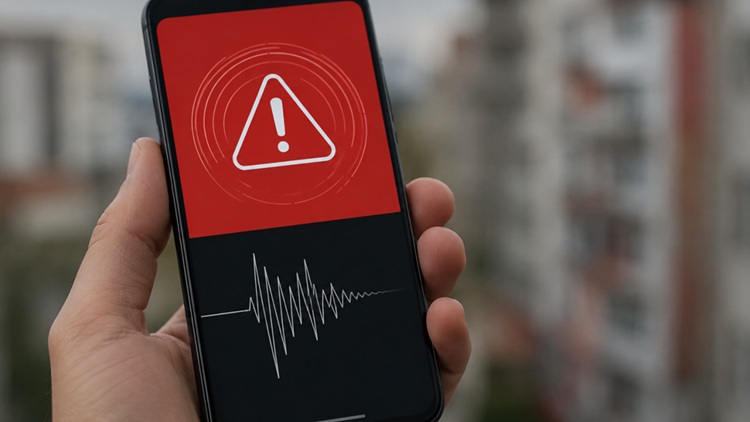
Google establishes several minimum requirements: having an Android phone compatible with Google Play Services, keeping the device's approximate location enabled, keeping the "Earthquake alerts" option enabled within Security and emergencies (or Location > Advanced settings, depending on the system version), and having an internet connection via mobile data or Wi-Fi at the time the alert is issued.
The company itself expressly warns that notifications cannot be received without a data or Wi-Fi connection.
This is one of the main challenges for Cuba due to the prolonged power outages. Furthermore, the frequent use of VPNs or proxy services could be an obstacle. Inadequate configuration or connectivity interruptions could also affect any service that depends on internet.
Seconds That Can Make the Difference
The usefulness of these systems lies not in announcing an earthquake hours in advance—something science cannot yet do—but in taking advantage of the difference in speed between seismic waves and digital communications. This window can range from just a few seconds to more than a minute, depending on the distance to the epicenter.
Distance to the epicenter also plays a role. Those located very close to the origin of the earthquake may feel the movement before the system has time to send the alert. In contrast, those who are farther away may have a few seconds' head start.
If you receive the alert, you should not wait to feel the movement. Ideally, get under a sturdy table or desk, protect your head and neck, and stay away from windows, mirrors, tall furniture, and objects that could fall. If you are outside, stay away from building facades, power lines, poles, and walls.
Several scientific studies on early warning systems based on smartphones conclude that even a few seconds can allow for protective actions such as moving away from windows, stopping dangerous procedures, or adopting the well-known "drop, cover, and hold on" position.
Recent research on the Android user experience also shows that public trust depends, above all, on the alert arriving early enough to be useful.
For a country like Cuba, where the eastern region experiences the highest seismic activity, and cities like Santiago de Cuba, Pilón, and Guamá are under constant surveillance by the National Center for Seismological Research (CENAIS), this additional tool on many phones could become a valuable complement to national monitoring systems, though never a replacement for them.
The Venezuelan experience demonstrates that the integrated seismic alert on Android can effectively reach citizens when the necessary technical conditions are met.
When it comes to earthquakes, a few seconds don't prevent a disaster, but they can offer enough time to make a decision that reduces the risk. Sometimes, that difference can be captured on a phone screen.
Translated by Amilkal Labañino / CubaSí Translation Staff
Añadir nuevo comentario